
Searching Orange County Cases by Name
For a name search, go to the official North Carolina eCourts Portal. Pick Smart Search. Set the Location control to Orange County. Then type the party name. The portal is statewide, so without the location filter an Orange County result can sit beside a similarly named party from anywhere in North Carolina. When several results come back, compare party role, case type, record number, and Case Summary before opening the timeline.
Wildcards have strict rules. A last-name wildcard takes at least three characters plus an asterisk. A first-name wildcard takes one character plus an asterisk. If a broad Orange County name search still floods you with results, narrow it with a case category, status, or filing-date range. A date of birth filter exists too. Keep in mind that what the public can see varies with the record's status.
- Open Smart Search and choose Orange County as the location.
- Enter a complete party name when known, or use the published wildcard minimum.
- Narrow by case type, status, or filing-date range if the result list is broad.
- Confirm the case number, party role, and court before reading the Case Summary.
| Field or control | Type | Verified use |
|---|---|---|
| Smart Search | Search mode | Main detailed Case Summary route. |
| General Options: Location | Filter or dropdown | Select Orange County to narrow the statewide index. |
| Party Search Criteria: party name | Text | Party-name search with the published wildcard rules. |
| Party Search Criteria: DOB | Date filter | Optional advanced filter; visibility can vary by public or restricted status. |
| Record number or case number | Text | Alternate search path for a complete Enterprise Justice number. |
| Citation number | Text | Official Portal search key for a traffic citation. |
| Attorney name or bar number | Text | Officially identified Portal search options. |
| Business name or nickname | Text | Officially identified Portal search options. |
| Case cross-reference number | Text | Officially identified Portal search field. |
| Case type | Advanced filter | Civil Actions, nonconfidential Special Proceedings, Estates, or Criminal Actions. |
| Case status | Advanced filter | Published field; the inspected guide does not list every status value. |
| Case filing-date range | Date range | Optional range filter; published limits were not located. |
| Search, Clear, and Advanced Filtering | Controls | Published functions; exact vendor button rendering was not captured. |
Orange County Case Search Portal
The Portal is North Carolina's shared public system, not an Orange County-only database. Orange County joined eCourts in April 2024. The state finished the all-county rollout in 2025. That shared design has a payoff. One search can reach public Orange County matters from a single place. It is also why the Orange location filter matters so much. Check the location tied to the case. Only then call it an Orange County case.
The Judicial Branch's Portal training materials describe Smart Search as the path to the detailed case timeline. They also note that anyone can search public information without registering. That is plenty for ordinary case lookup. Registering does let you save cases in My Cases. It does not upgrade a regular account into elevated access.
The state's Smart Search resource walks through the portal functions. An Orange County case search relies on them, from filters to the timeline view.
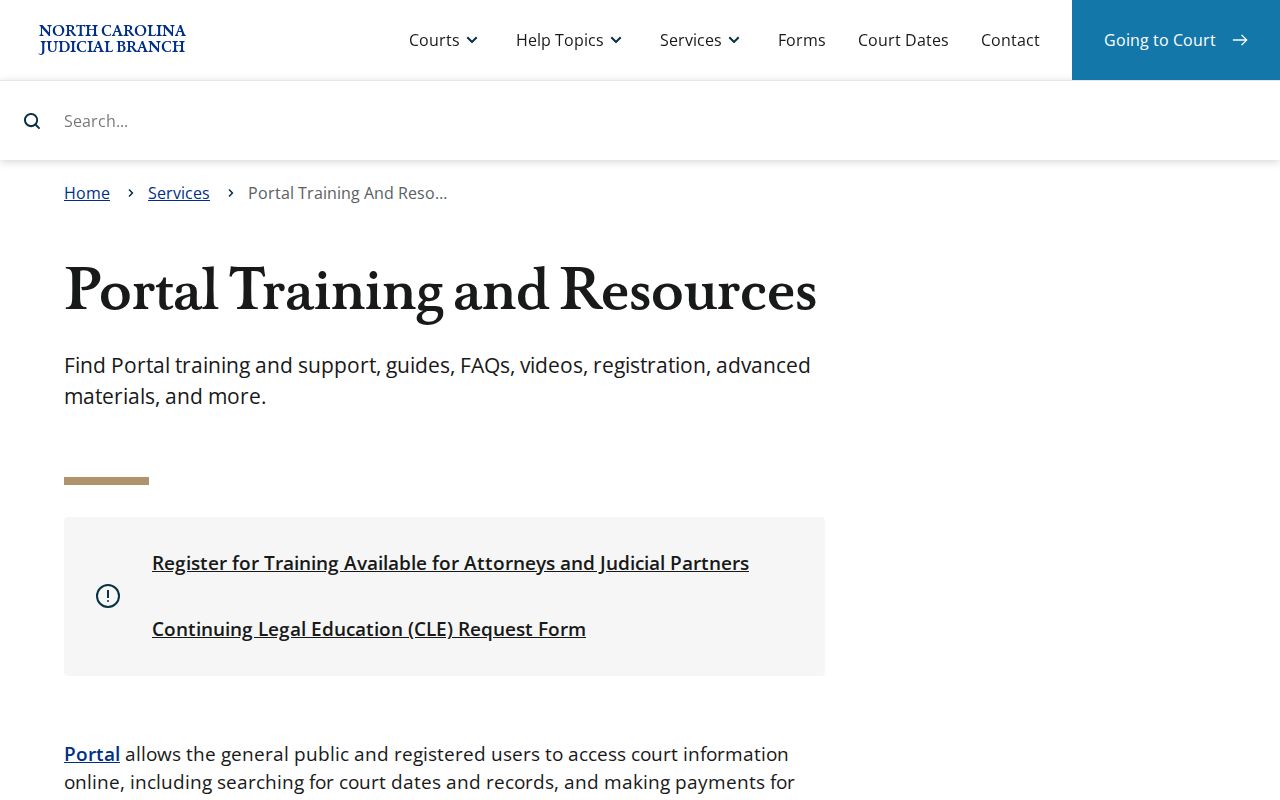
A public search screen and the clerk-held court file behind an Orange County result are two different things. The search shows index-level detail; the Orange County Clerk keeps the official file and its copies.
Searching by Case Number
A full record number is the sharpest Orange County case-search key you can use. Enterprise Justice lays out the current format: a two-digit year, a letter case type, a six-digit sequence, a hyphen, and a three-digit county identifier. The state's training example, 21CR000003-910, shows the shape only. It is not an Orange County case. Do not read it as an Orange suffix or a live record.
Enter the whole number exactly when you have it. For a partial-number search, the portal asks for at least four characters followed by an asterisk. A citation number also works as a search key. It may be the quicker route for an Orange County traffic matter. Older, legacy files can break the current format. If a number search fails, go to the clerk rather than guessing at the file.
Orange County Case Search Numbers
Each piece of an Enterprise Justice number gives you a check during an Orange County search. The year marks the filing year. The letters mark the case type. The sequence separates the case, and the final three digits are the county identifier in the state's example. So a case number is more than a label. It splits apart cases with similar party names and makes a request to the Orange Clerk far more specific.
- Case type letters
- Letters that identify the Portal’s case category within the record number.
- Case Summary
- The Portal’s detailed timeline, also called the Register of Actions.
- Case Event
- A dated recorded occurrence, such as a filing, hearing, order, or disposition event.
- Disposition
- The recorded case outcome or status result.
Run the full number before trusting a common name. Then read the matching Orange County Case Summary against party information and case type. A similar caption alone is not proof you found the right case.
What an Orange County Case Search Returns
An Orange County Smart Search result can open a Case Summary or Register of Actions. The published description covers the sections. They include Case Information, Assignment Information, Party Information, Causes of Action where applicable. Case Events, Hearings, Dispositions, and Financial Information where applicable round it out. Civil, family, probate, and mental-health matters can carry Causes of Action. These fields tell the story of the court record. Still, public-access limits apply. You may not reach everything you see listed.
| Case Information | Core record identity and case details. |
|---|---|
| Assignment Information | Publicly available court or assignment information. |
| Party Information | Parties and their recorded roles. |
| Case Events | Chronological recorded activity in the case. |
| Hearings and Dispositions | Scheduled settings and recorded outcome information. |
| Financial Information | Applicable financial fields, when the case has them. |
An event listed in the timeline does not mean its document image is public, downloadable, or certified. For an order, a judgment, or official proof, note the event and ask the Orange Clerk for the document or copy route.
Orange County Case Search Hearings
Need today's hearing time in Orange County? Search Hearings, inside the Portal, is built for that. It answers with the current setting once you feed it a case number, party or business name, attorney name, attorney bar number, judicial officer, or courtroom. It won't hand you the full case file, though. When you need the broader Orange County docket story, meaning event history, disposition, or case type, run Smart Search alongside it.
The county also publishes local civil and criminal calendars through its Local Administrative Schedules. Settings shift. A live Portal result plus the current local calendar beats a stale calendar image every time. If a Superior Court setting stays murky, call the Trial Court Coordinator at 919-644-4747; the Clerk's main number is 919-644-4500.
Note: Search Hearings gives the current setting. The Case Summary gives the fuller run of Orange County case events.
Statewide vs County Case Search
Orange County has no separate public case-search portal sitting apart from the eCourts Portal. The statewide system is where electronic searching happens. Orange County adds the human channels: the clerk's office and the local calendar, useful whenever an online result feels thin or a live setting needs confirming. Neither source is "more local" than the other. The real question is what kind of answer you need. That decides where you look.
| Channel | Best use | Limit |
|---|---|---|
| eCourts Portal Smart Search | Public case number, parties, Case Summary, events, and available information. | Not the official court record. |
| Search Hearings and Orange calendars | Current setting location and time. | Does not replace a filed document. |
| Orange Clerk terminal or file | Physical file, older record, ordinary copy, or certification request. | Access depends on the file’s public status. |
North Carolina File & Serve handles electronic filing for the state. It is not a public case-search screen. So don't mistake a filing workflow for a public Orange County Case Summary lookup.
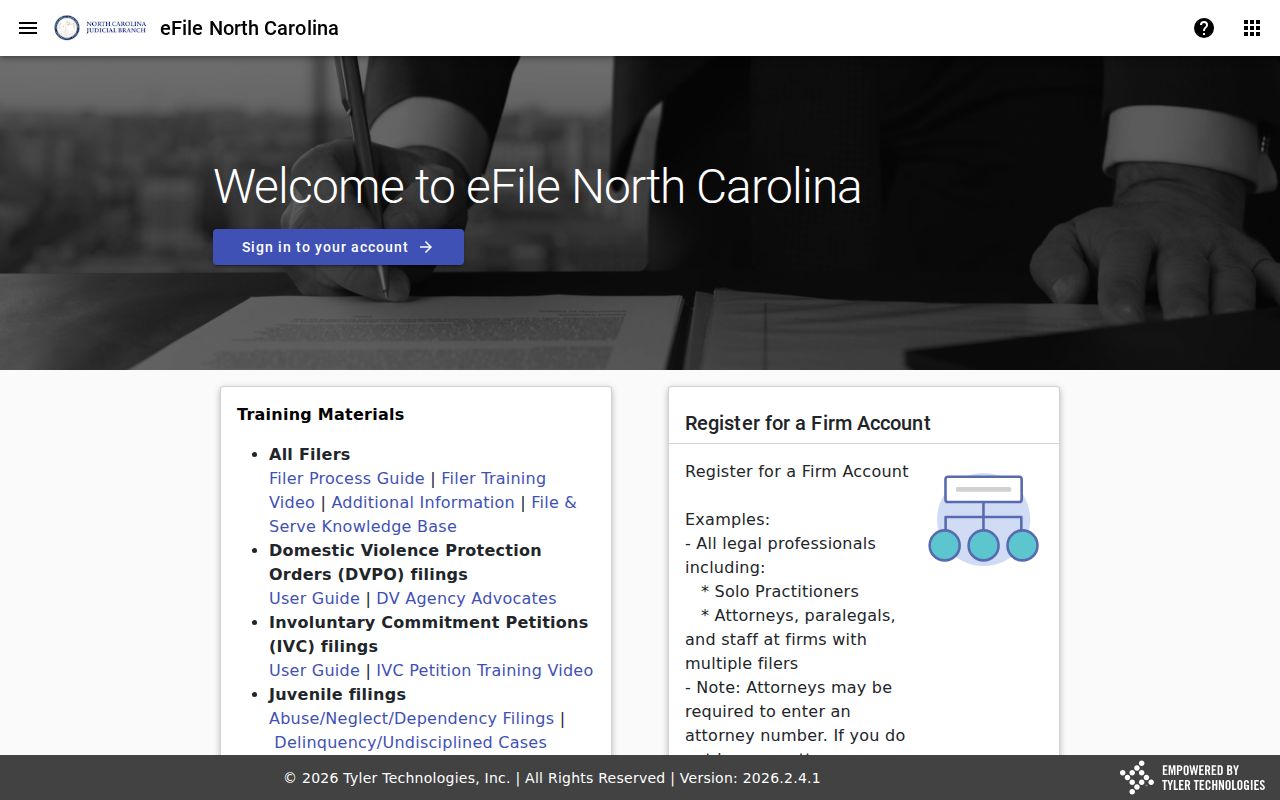
The filing service and the Portal search are two different state tools. One submits documents; the other locates public Orange County case information.
Orange County Case Search Checks
A blank result doesn't prove an Orange County court file never existed. Start with the basics. Check spelling, filing year, case-type letters, county identifier, and the Orange location filter. Partial numbers must follow the four-character-plus-asterisk rule. For name searches, make sure your wildcard carries the required minimum characters. A legacy file might also predate the current Portal. Or it may simply have migrated badly into it.
If the checks fail, go to the Orange Clerk. Ask about the public terminal, the paper file, or the right division. The courthouse record route is 106 E. Margaret Lane in Hillsborough. The Clerk answers at 919-644-4500. Give the county, case type, likely year, and any record number you have. A focused request like that works. It beats treating an empty screen as the final word on the Orange County docket.
Access and Restricted Cases
Anyone can search Orange County court information anonymously through the Portal. Public doesn't mean everything, though. Juvenile proceedings, sealed matters, confidential material, and expunged criminal matters all follow separate access rules. A thin result is a cue to verify the case type. It's also a reason to ask the Orange Clerk which channel or order governs access. It is not grounds for guessing what a restricted file holds.
State law also allows sensitive identifiers to be removed from public court images and copies. Removal can happen on request or as permitted. The request has to name the document. It must also say where the information sits inside it. That's why an Orange County case search may show a clean timeline. A linked image can still stay withheld, redacted, or available only through a narrower clerk process.
Orange County Case Search Access
My Cases organizes; it doesn't unlock. Regular registration, per the state, lets you save cases and nothing more. Elevated access goes only to verified users with statutory authority and a qualifying role. A registered Orange County searcher faces the same public boundaries as an anonymous one. No registration tier opens juvenile, sealed, or otherwise restricted records.
The clerk-records statute puts clerks in charge of records, files, dockets, and indexes. It generally allows public inspection unless a law says otherwise. Need an official copy, an older paper file, or an explanation of a restriction? Contact the Orange Clerk instead of trusting the Portal display. Note: a public search result helps you find a case. The clerk keeps the original record.