
How to Get Orange County Court Records
Your first stop is the eCourts Portal. Pull the record number, case type, and event date. It also shows the exact order, judgment, or filing you want. Then pick your channel. A Case Summary works well for a timeline or status check. Need the physical file or an ordinary copy? That comes through the clerk's county file route. Certified copies come from the Orange Clerk. Transcripts come from the court reporter or transcriptionist who worked the matter. Audio recordings follow the state recording process instead.
For a public file, visit the Orange Clerk in the county where the case sits. State court-records guidance confirms self-service terminals in every clerk office, physical-file inspection in the county of case location, and copies for a fee. You can also call the Orange County Clerk at 919-644-4500. The clerk posts no all-purpose online, mailed, or PDF copy-request form for Orange. Before sending anything, ask the right clerk unit about how to submit, pay, prove identity, pick up or receive mail, and how long it takes.
- Find the Orange County record number and specific document or event in Portal.
- Choose the needed result: timeline, ordinary copy, certified copy, transcript, or available audio.
- Contact or visit the Orange Clerk with the county, case type, record number, and document description.
- Confirm any fee, certification, identification, submission, and timing detail before payment.
Orange County Court Records Portal Limits
Treat the Portal as a doorway, not the record itself. For any Orange County court docket, the Case Summary or Register of Actions lays out case events, hearings, dispositions, and any applicable financial information. That makes it a solid first stop. Look there before filing a request. What it shows is not the clerk-issued certified version of an order or judgment. When official copies matter, the Portal FAQ itself sends you to the county Clerk.
The Judicial Branch court-records instructions walk through every state route to records. That covers clerk terminals, files, copies, transcripts, and recordings.
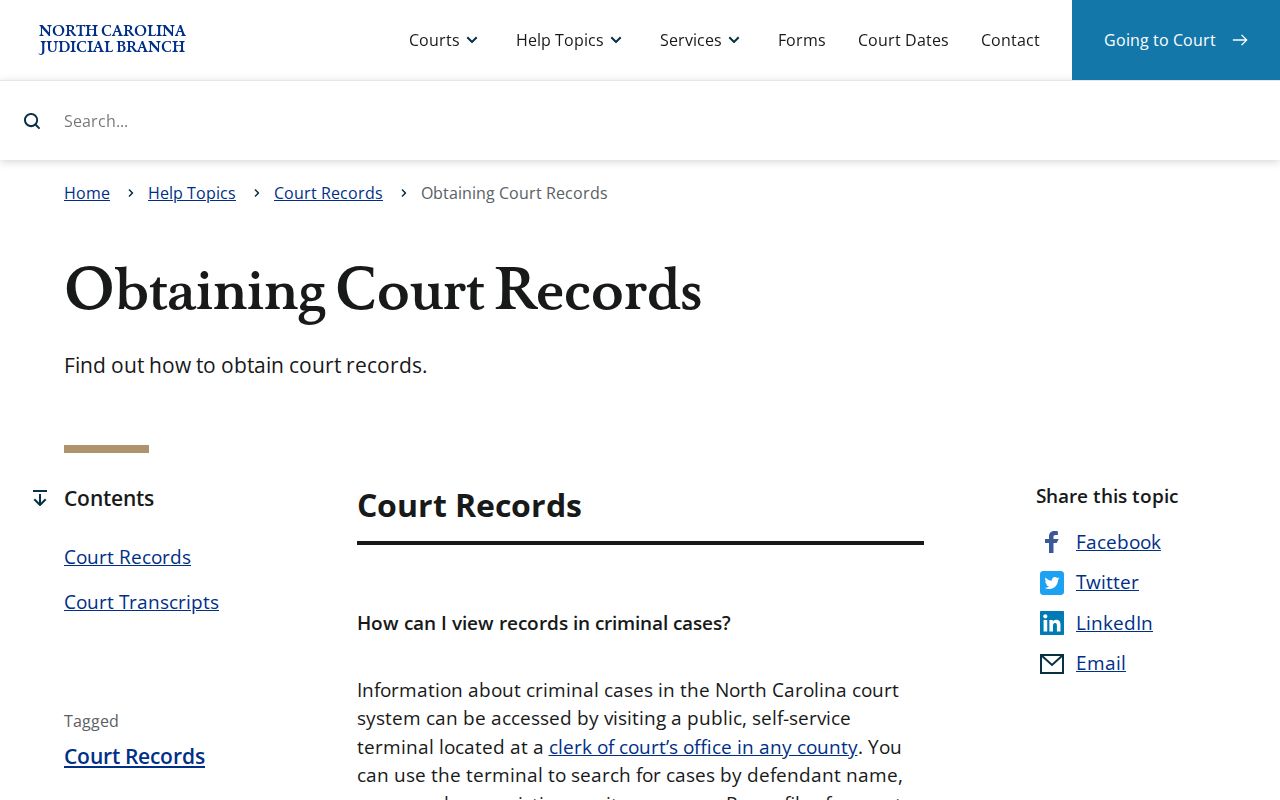
An online Orange County case timeline is not the same thing as the paper file itself. The clerk holds the actual document or certified copy, and official guidance from the court makes that distinction plain.
Official-copy check: Use Portal to name the record. Use the Orange Clerk when an official copy, certification, physical file, or access explanation is required.
Types of Orange County Court Records
Three kinds of Orange County court records get mixed up constantly. One is the Case Summary or Register of Actions, the public-facing timeline and index. Another is the filed document itself. It may be a pleading, order, judgment, or other item sitting in the clerk's court file. The third is the certified copy, the official clerk-issued version. Name the one you want when you request it. A court-records ask built on the bare word "record" invites confusion. It can bring delay too.
| Record needed | Orange County channel | What it provides |
|---|---|---|
| Case Summary or current hearing | Portal or clerk public terminal | Available case information, events, and setting details. |
| Filed document or ordinary copy | Orange Clerk file and copy route | Inspection or an ordinary copy of an available public filing. |
| Certified order, judgment, or docket copy | Orange Clerk | Clerk-issued official copy. |
| Transcript or available audio | Reporter or recording process | Verbatim transcript or an available hearing recording. |
Access varies item by item. An Orange County case event may appear on the docket while the underlying image stays private, comes out redacted, or requires a restricted-access process.
Orange County Court Records Terminal
Sometimes an Orange County Portal result comes up short, older, or too thin to build a document request on. Then the clerk's public terminal is the practical fallback. So is the paper-file route. The state confirms that clerk offices maintain public self-service terminals. At the Orange County Courthouse, ask the Clerk counter for the terminal. The counter also covers file location. Bring the case number and case type. The statewide guidance publishes no Orange-only count of terminals, no floor, and no special field list. Assume nothing beyond what the office itself tells you.
The Orange County Courthouse sits at 106 E. Margaret Lane in Hillsborough. It is the main clerk location for Superior and District Court files, copies, cashier matters, and records questions of every kind. The Orange County Judicial Branch location page is the official local starting point for court contacts and services. Calling ahead can point you to the right division. It cannot substitute for the clerk's own decision on file access.
Orange Clerk of Superior Court
Orange County Courthouse
106 E. Margaret Lane
Hillsborough, NC 27278
919-644-4500
Ask for the record, case type, and public terminal or copy route that applies to the Orange County file.
What an Orange County Court Record Contains
Pull up a case in the Orange County Portal. The summary can cover a lot of ground: assignment details, party names, case events, hearings, dispositions, and financial information where it applies. Civil, family, probate, and mental-health files may add Causes of Action as well. Those timeline entries are useful. They point you to the exact filing or outcome worth requesting. Just keep expectations modest. A summary does not promise that every document image, transcript, or clerk certification sits behind the Portal.
| Case and assignment | Record identity and public court or assignment information. |
|---|---|
| Parties and causes of action | Party information and, where applicable, civil or probate claim categories. |
| Case Events | Chronological recorded events, including filings and court activity. |
| Hearings and disposition | Settings and recorded outcome information. |
| Financial information | Applicable financial fields, when the case has them. |
| Filed document | The actual pleading, order, or judgment that may require clerk access. |
Say an Orange County docket entry names a specific order or judgment. Note the event date and the document description word for word. Handing the Clerk that concrete detail beats asking staff to guess which filing you mean.
Orange County Court Records Appointments
Estate files run through the same Orange County clerk system, with one catch. The Estates office sees no walk-ins. The county page tells estates users to call 919-644-4570. Users can also email that office to set an appointment. A Portal result alone will not get you into the file. Orange County requires clerk-side access for this division. Plan around it.
Gather your details before the call. Have the estate record number and the decedent's name ready. Know the document or case event you want. The clerk can then walk you through the accessible route for the file and the current steps for copies or certification. Note that this appointment rule is an Orange County local detail, not a blanket rule for every case type.
Certified Copies and Orange County Fees
A certified copy is not the same as a printout from Portal. The Orange Clerk issues it as an official copy. It may be a court document, judgment, or docket entry. Fees do apply. The clerk can tell you what service you need. That could be plain copying, certification, a records search, or something else. What the clerk does not publish is a current Orange schedule. So the ordinary-copy price, the certification charge, the search fee, and the turnaround time all have to be asked about directly.
| Item | Verified amount or method |
|---|---|
| Ordinary court-document copy | Current Orange amount not located in reviewed official sources. |
| Certified copy or certification | Current Orange amount not located in reviewed official sources. |
| Record search | Current Orange amount not located in reviewed official sources. |
| Transcript | Rate set by the individual court reporter or transcriptionist. |
| Available audio CD | Actual CD cost, if a recording is available. |
Do not treat the Orange traffic-payment page as a fee schedule for copies. Paying a fine works differently from requesting a document. Before sending any funds, confirm the Orange County records amount and the accepted payment method with the Clerk.
Orange County Court Records Audio
A transcript is one thing; a clerk or digital recording of a hearing is another. Court reporters and transcriptionists set their own transcript rates, the state says. For a nonconfidential recording, the request form is AOC-G-114. You pay the actual cost of the CD when one exists and is available. The form's full field list is not spelled out in the state material. Fill in only what you can verify. Confidential hearing audio takes a stricter route. You need AOC-G-115 plus court permission for that kind of recording. Ask the Orange Clerk which form fits the specific file. Ask also whether a recording even exists. A clerk copy request will not turn confidential audio into a public record.
Orange County Sealed Court Records
Orange County court-record access starts with public inspection. But it stops wherever confidentiality statutes or court orders step in. Clerks maintain the public-facing court records, yet public-record definitions carry their own limits, and sensitive identifiers can be stripped from public court images or copies. Juvenile, expunged, sealed, and confidential material may require a different route. A judge's order can matter more than a general request. The statutes below draw that line in practice.
Key access laws: N.C.G.S. 7A-109 requires clerk recordkeeping and generally permits inspection unless law prohibits it. N.C.G.S. 132-1 defines public records while preserving specific confidentiality limits. N.C.G.S. 132-1.10 addresses sensitive identifiers in public court images and copies.
The clerk-record statute governs Orange County files, dockets, indexes, and public inspection.
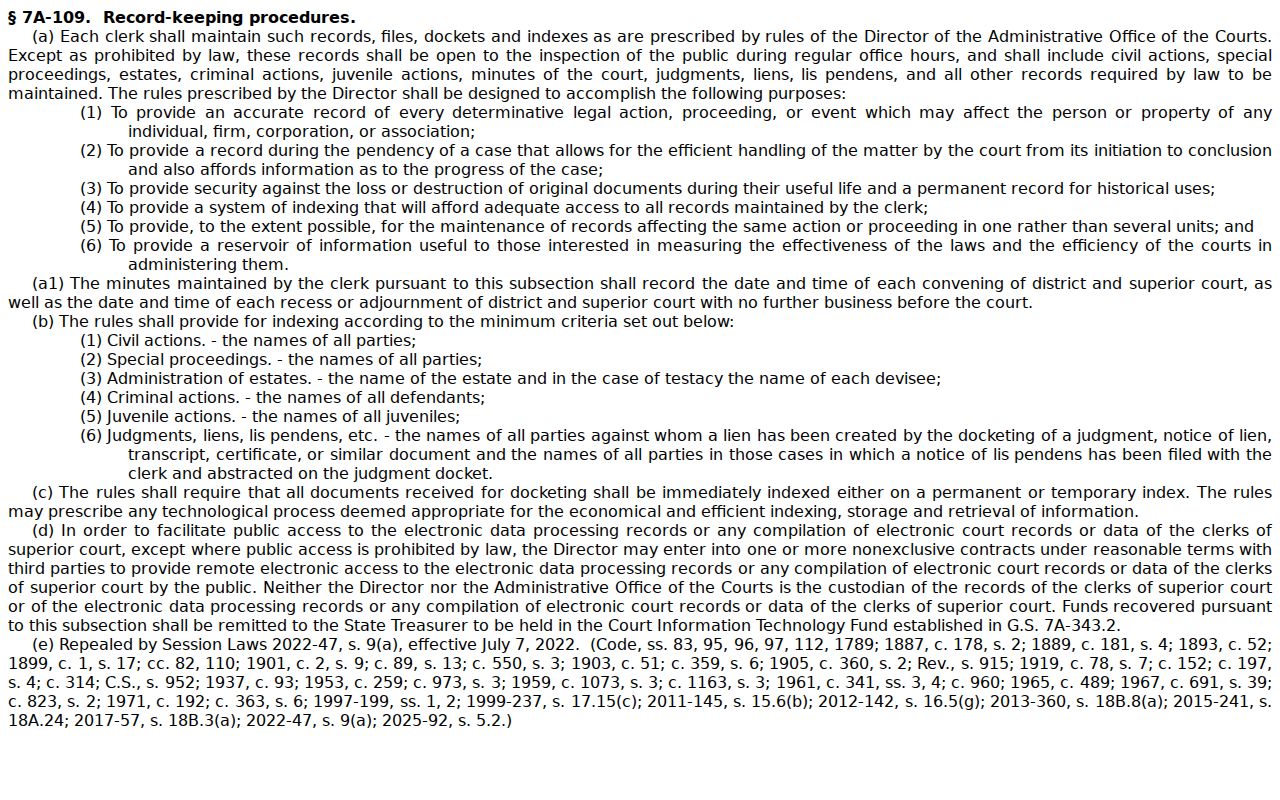
It backs a clerk-held inspection route. Still, it promises no such thing as full public access to every Orange County record or image.
Orange County Court Records Redactions
Redaction of sensitive identifiers is one reason a public Orange County court record can show less than a docket event. The statute lists what may be removed from publicly accessible court images or copies: Social Security and tax numbers, driver or state identification numbers, passport numbers, financial-account or card numbers, PINs, and passwords. Your request has to name the document and pinpoint where the information sits.
North Carolina's public-record definition frames the wider public-record backdrop for Orange County court materials.
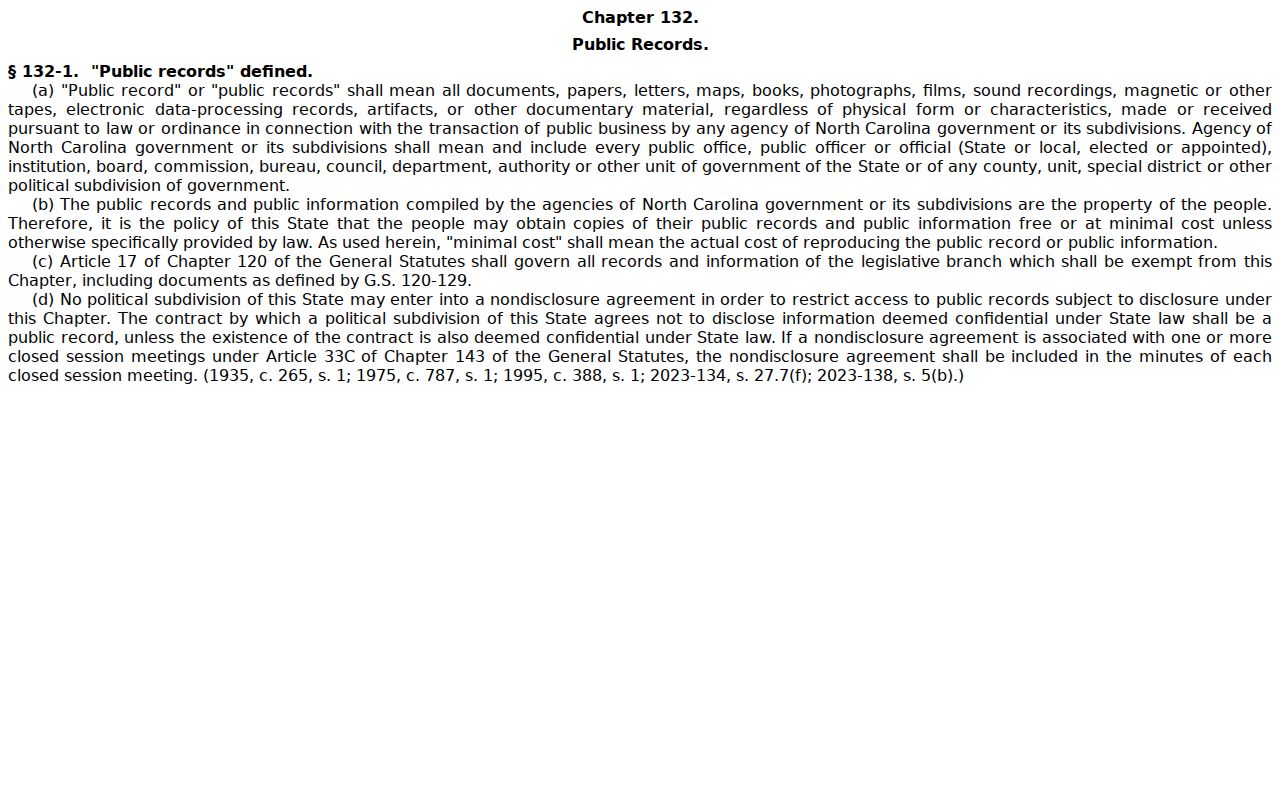
That definition yields, though, to the confidentiality and redaction limits attached to individual Orange County court files. The sensitive-identifier redaction law is the direct source of the court-image rule.
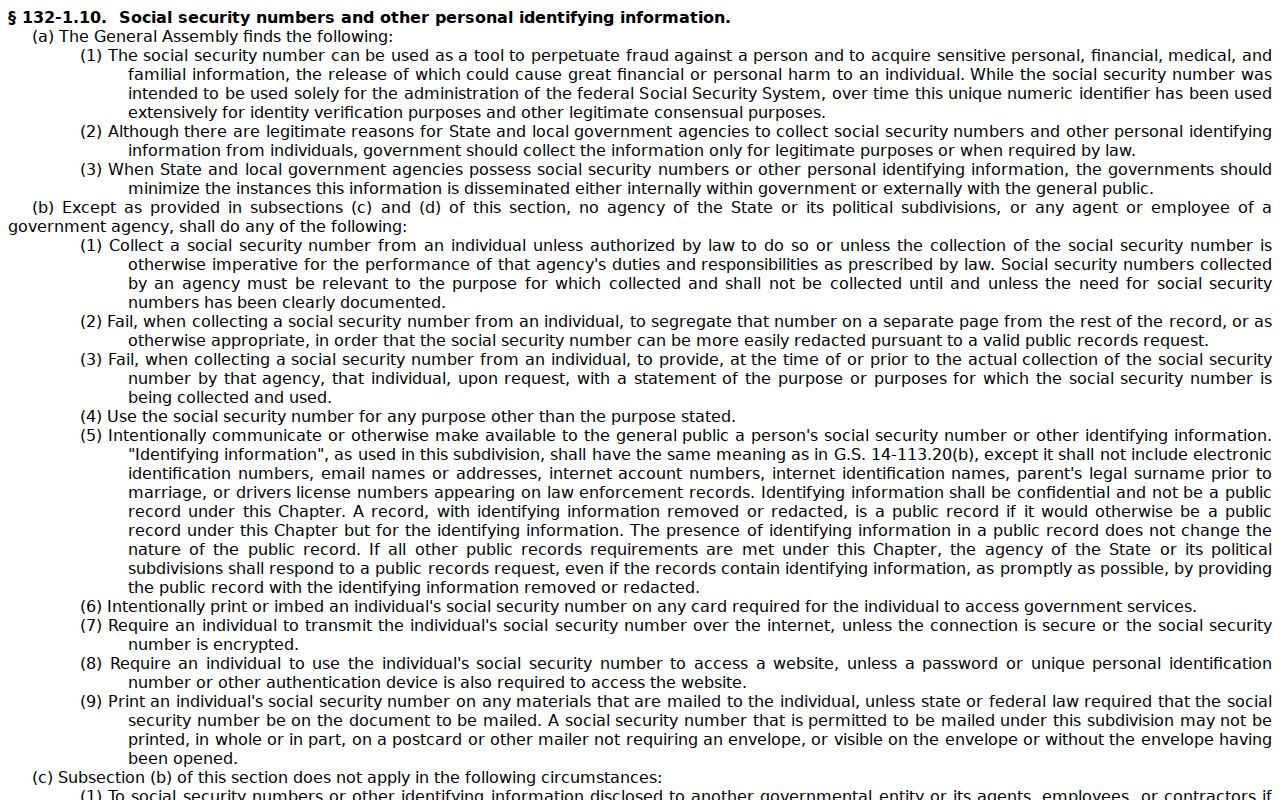
That law explains why the Orange Clerk can hand you a public copy with protected identifiers left out.
Note: If access is denied or limited, ask the Orange Clerk which restriction, order, or record-specific rule controls the file.